
Kling AI Video Generator - Transform Images into Stunning Videos with Kling 2.1 - SJinn AI
Tips: focus on describing the movement you'd like in the output, rather than the contents of the image. eg: Subject cheerfully poses, her hands forming a peace sign.
Your Results
Feedback is welcomeKling AI Video Generator: Transform Static Images into Dynamic Videos Effortlessly
Experience the power of Kling 2.1 AI video generator on SJinn. Our advanced image-to-video technology leverages deep learning to analyze your images and create stunning videos with natural movements, realistic scenes, and cinematic quality. Whether you need content for social media, marketing campaigns, or creative projects, this Kling AI video creator delivers studio-level animations without requiring any technical skills or expensive equipment. Choose from Standard, Pro, and Master models to create 5-second or 10-second videos that captivate your audience.
Create Stunning Videos with Kling AI Video Generator in 3 Simple Steps
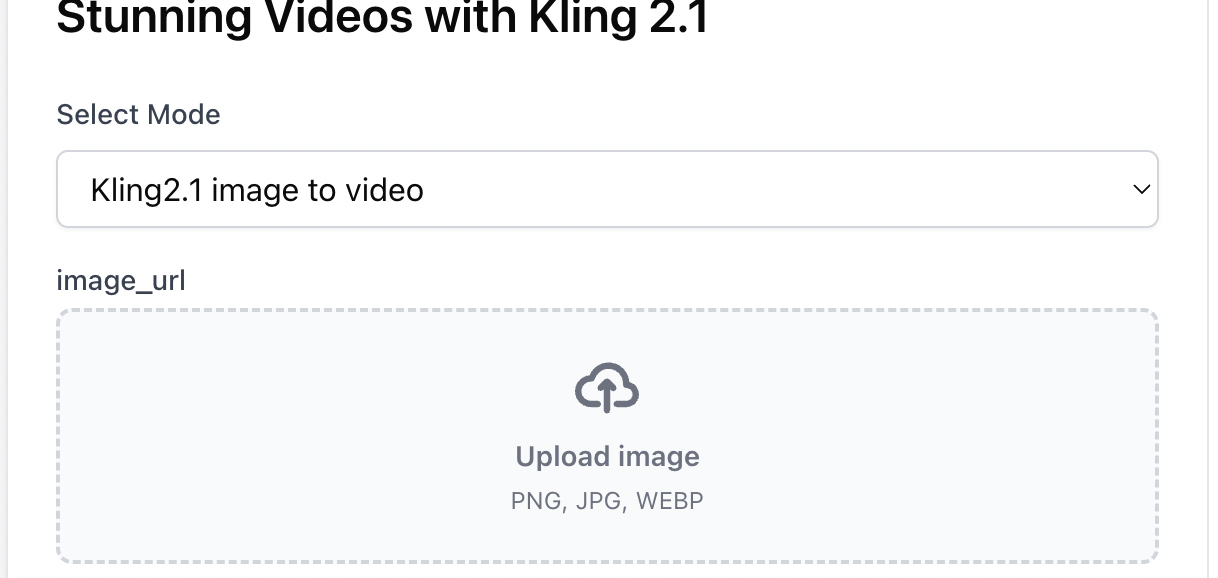
Step 1: Upload Your Image
Start by uploading a static image in JPG, PNG, or WEBP format. This image will serve as the foundation for your AI-generated video, bringing your visual content to life with dynamic motion.
Step 2: Describe the Motion & Select Settings
Write a detailed text prompt describing the movement you want to see. Choose your preferred aspect ratio (16:9, 1:1, or 9:16), video duration (5s or 10s), and quality mode (Standard, Pro, or Master) to match your needs.
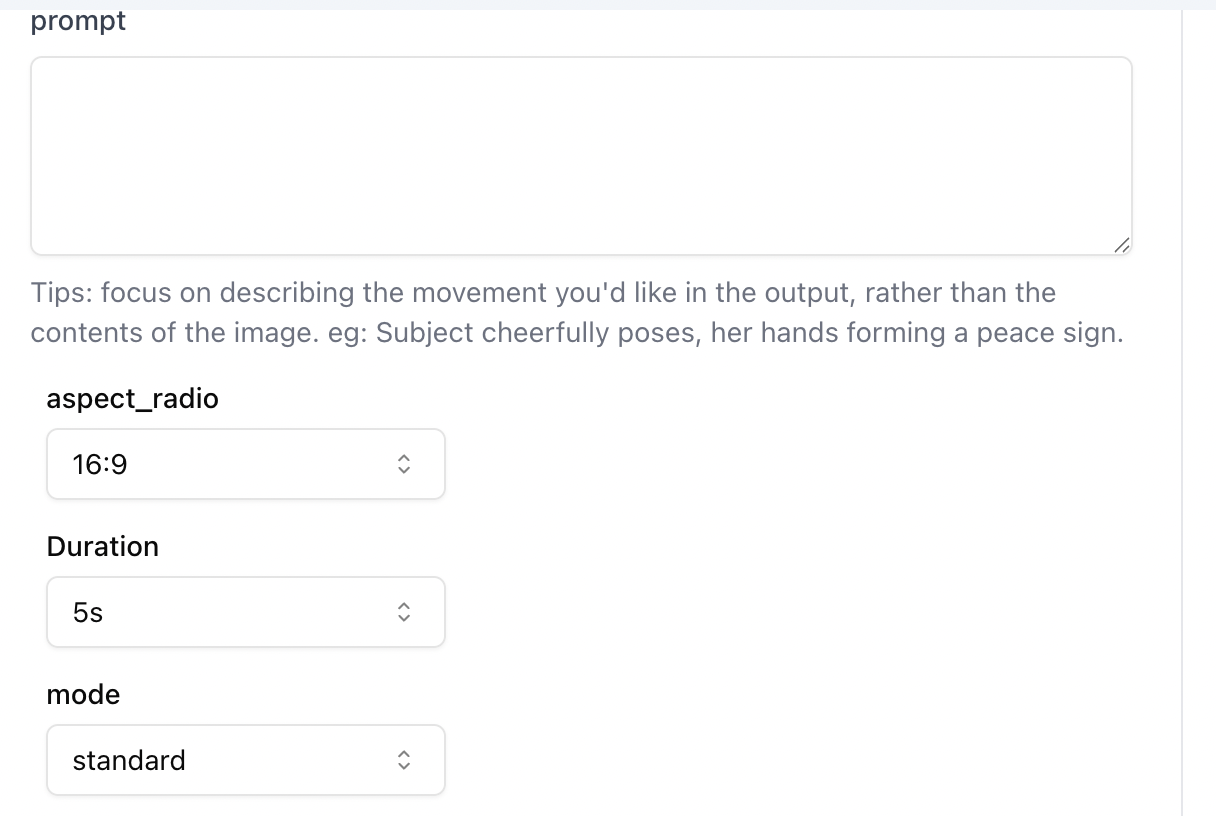
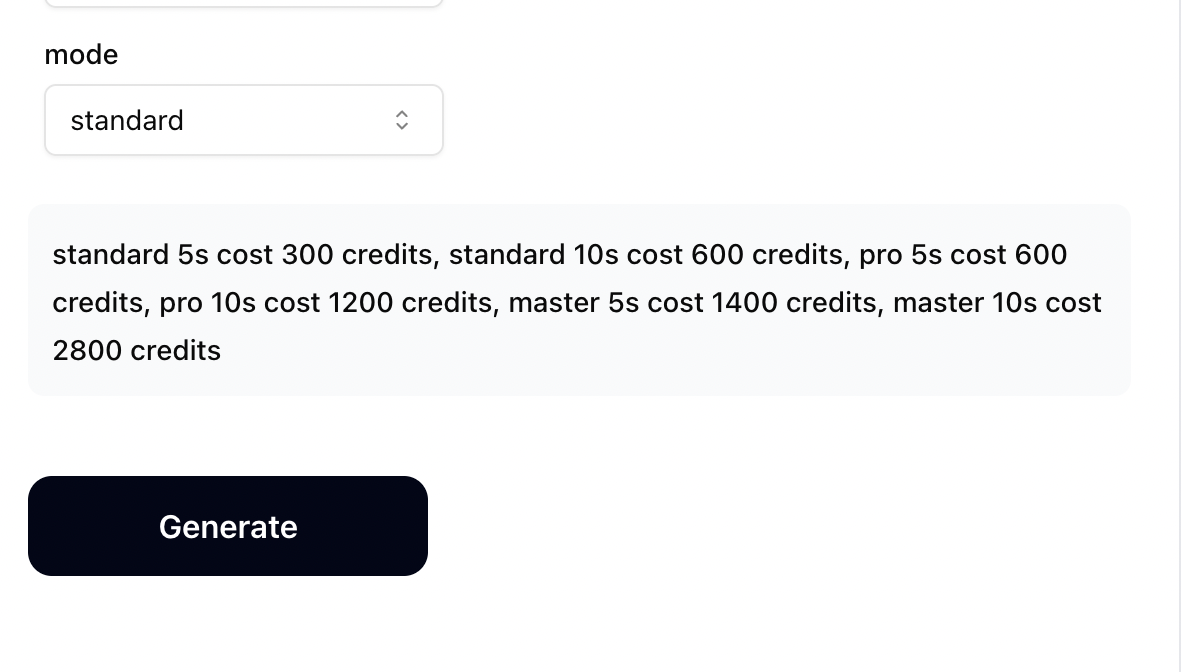
Step 3: Generate & Download Your Video
Click generate and watch as the Kling AI video generator transforms your static image into a stunning, fluid video with realistic motion. Download your watermark-free video in MP4 format and share it instantly.
Key Features of Kling AI Video Generator
Advanced Deep Learning Analysis
Our Kling AI video generator uses sophisticated deep learning algorithms to analyze your images, identifying key features, objects, emotions, and compositional elements. It then creates natural movements and dynamic effects like zoom, pan, and 3D transformations that bring your static images to life with stunning realism.
Multiple Quality Modes for Every Need
Choose between Standard, Pro, and Master modes to balance quality and cost. Standard mode offers excellent results for quick projects, Pro delivers enhanced detail and motion fluidity, while Master provides the highest quality with cinematic-level output perfect for professional productions and marketing materials.
Flexible Duration & Aspect Ratio Options
Customize your video output to fit any platform or use case. Create 5-second or 10-second videos in three versatile aspect ratios: 16:9 for YouTube and landscape content, 1:1 for Instagram posts and square formats, or 9:16 for TikTok, Instagram Reels, and vertical video platforms.
Studio-Level Animations, No Skills Required
Create professional-quality videos with fluid motion, consistent characters, rich details, and realistic scenes without any video editing experience. The Kling AI video creator handles all the complex animation work, allowing anyone to produce cinematic content with just a few clicks.